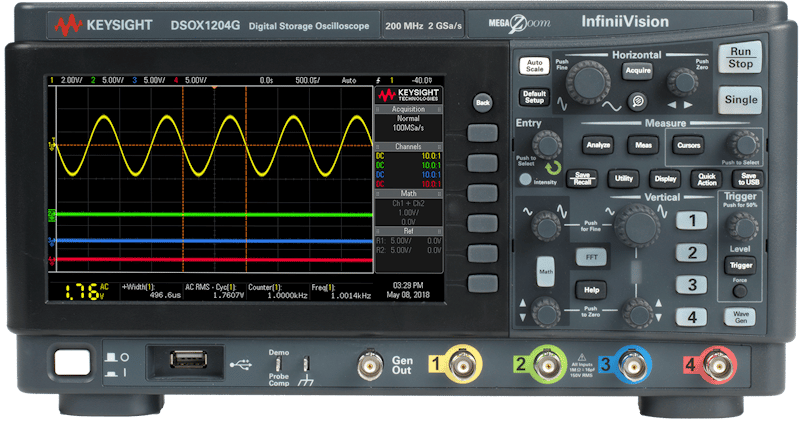
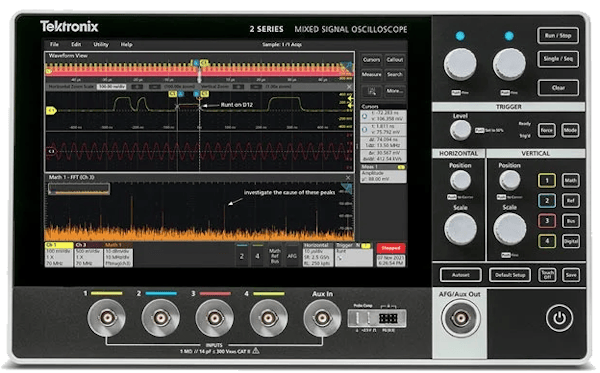
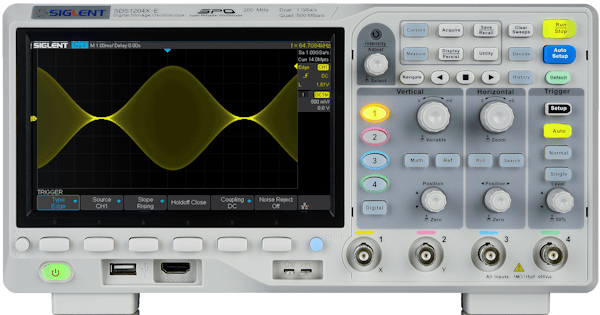
InstroScope provides a unified interface all oscilloscopes. This class is initialized with a vender-specfic driver (Keysight1200X, Tektronix2SeriesMSO,…), and provides the vendor-agnostic API (set_vertical_scale, fetch_waveform, measure, set_trigger_level, …).
Creating an InstroScope
Supported Vendors
If your vendor or model is not listed, see Custom Driver Development, or open a Driver Request issue on GitHub.
Example
More examples found in Examples
Details
The following presents details about the InstroScope. Specific driver details can be found in on their pages.
Driver Composition
An InstroScope is built from a concrete driver:
Keysight1200X owns the connection setup and vendor-specific command mapping.InstroScope owns the category-level workflow: configuration tracking, acquisition control, measurements, waveform fetches, publishers, the background daemon.
Lifecycle
- Construct: instantiate the vendor driver and pass it to
InstroScope.
open(): establish the VISA connection. When constructed from a config, open() also applies the configured state, resyncs the tracked state, and optionally starts acquisition.- Configure: set vertical (per channel), horizontal, acquisition, and trigger settings.
- Acquire: arm a single-shot with
single(), or free-run with run().
- Read: fetch a waveform with
fetch_waveform() or take a built-in measurement with measure().
close(): disconnect from hardware.
Acquisition Control vs. the Background Daemon
InstroScope has two independent start/stop concepts:
- Acquisition control drives the instrument:
run(), single(), and stop_acquisition(). These map to the front-panel Run, Single, and Stop keys. After single(), both fetch_waveform() and measure() block up to their timeout for the trigger to fire, then read. They raise TimeoutError if it does not.
- The background daemon drives polling on the host:
start() and stop() (inherited from Instrument) periodically call the methods you register and stream their results to publishers.
Configuration Tracking
InstroScope tracks vertical, horizontal, acquisition, and trigger state locally as you issue commands, in a ScopeState dataclass. Call sync_configuration() after open() (or after load_settings()) to bulk-query the instrument and overwrite the tracked state with what the hardware reports. Scopes snap requested values to the nearest supported step, so the tracked value can differ from what you asked for until you resync.
sync_configuration() does not bulk-query trigger source, type, level, slope, or mode. Not all scopes expose those through a simple query, so set them explicitly to populate the tracked state.
Init from a Config File
InstroScope can also be constructed directly from a JSON config file, which removes the need to write any Python setup code:
See Config Files for more info.
Where bench_scope.json contains:
Measurements
measure(measurement_type, channel) reads a built-in measurement: VPP, VMAX, VMIN, VAVG, VRMS, FREQUENCY, PERIOD, or DUTY_CYCLE. It returns NaN when the scope has no valid result (no acquisition yet, channel off). fetch_waveform(channel) returns a Measurement whose timestamps are relative to the trigger point (negative values are pre-trigger), with voltages already scaled through the configured probe attenuation.
Custom Driver Development
For more information on writing a custom driver, see Custom Driver Development.