

InstroAWG provides a unified interface for arbitrary waveform generators. This class is initialized with a vendor-specific driver (RigolDG1022Z, Keysight33521B, …), and provides the vendor-agnostic API (set_waveform, set_amplitude, set_offset, set_modulation, set_sweep, …).
Creating an InstroAWG
Supported Vendors
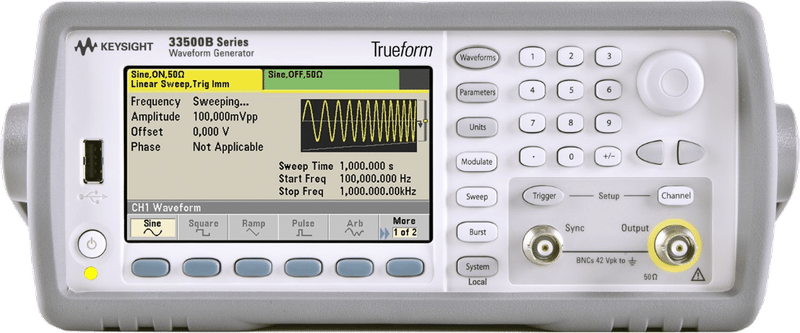
Keysight 33521B
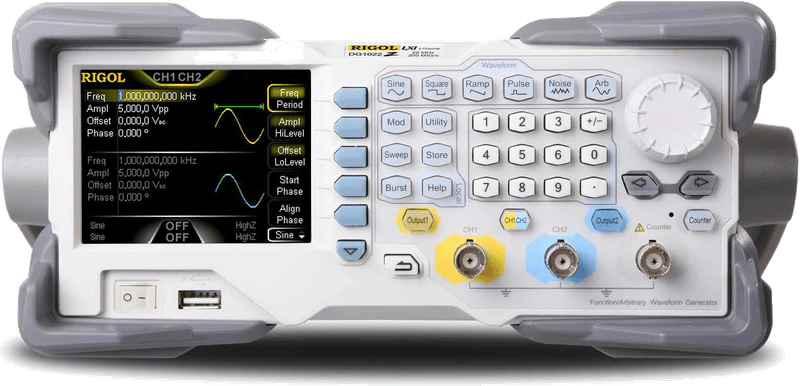
Rigol DG1022Z
Example
More examples found in ExamplesDetails
The following presents details about theInstroAWG. Specific driver details can be found on their pages.
Driver Composition
AnInstroAWG is built from a concrete driver:
- The
RigolDG1022Zowns the connection setup and vendor-specific command mapping. InstroAWGowns the category-level workflow: waveform programming, publishers, the background daemon.
Lifecycle
The typical InstroAWG workflow:- Construct: instantiate the vendor driver and pass it to
InstroAWG, along with the channel count. open(): establishes the connection to the instrument.- Configure and generate: define a waveform on a channel, set its amplitude and offset, and enable the output, etc.
start(): begins a periodic background daemon that polls output state. (Optional)stop(): ends the background daemon (if started).close(): disconnects from hardware.
Waveform Definitions
InstroAWG supports programming a channel with the following waveforms:Sine, Square, Sawtooth, Triangle, Pulse, Arbitrary, or StaticValue. These are all frozen dataclasses in instro.awg.
Arbitrary requires a sample rate field (sample_rate_sas, in samples per second) to specify the number of samples that the internal DAC outputs per second.
Driver support variesCertain features are only available on particular waveforms. Drivers own their implementation of features in InstroAWG. Consult your specific driver for exact support.
RigolDG1022Z uses a bulk transfer for arbitrary waveforms over TCPIP when the complete command is smaller than 32 KiB. USB connections and larger TCPIP payloads use per-point transfers because bulk writes can hang the instrument firmware in those cases.
Init from a Config File
InstroAWG can also be constructed directly from a JSON config file. See below for an example Rigol DG1022Z JSON configuration.